
Visual detection
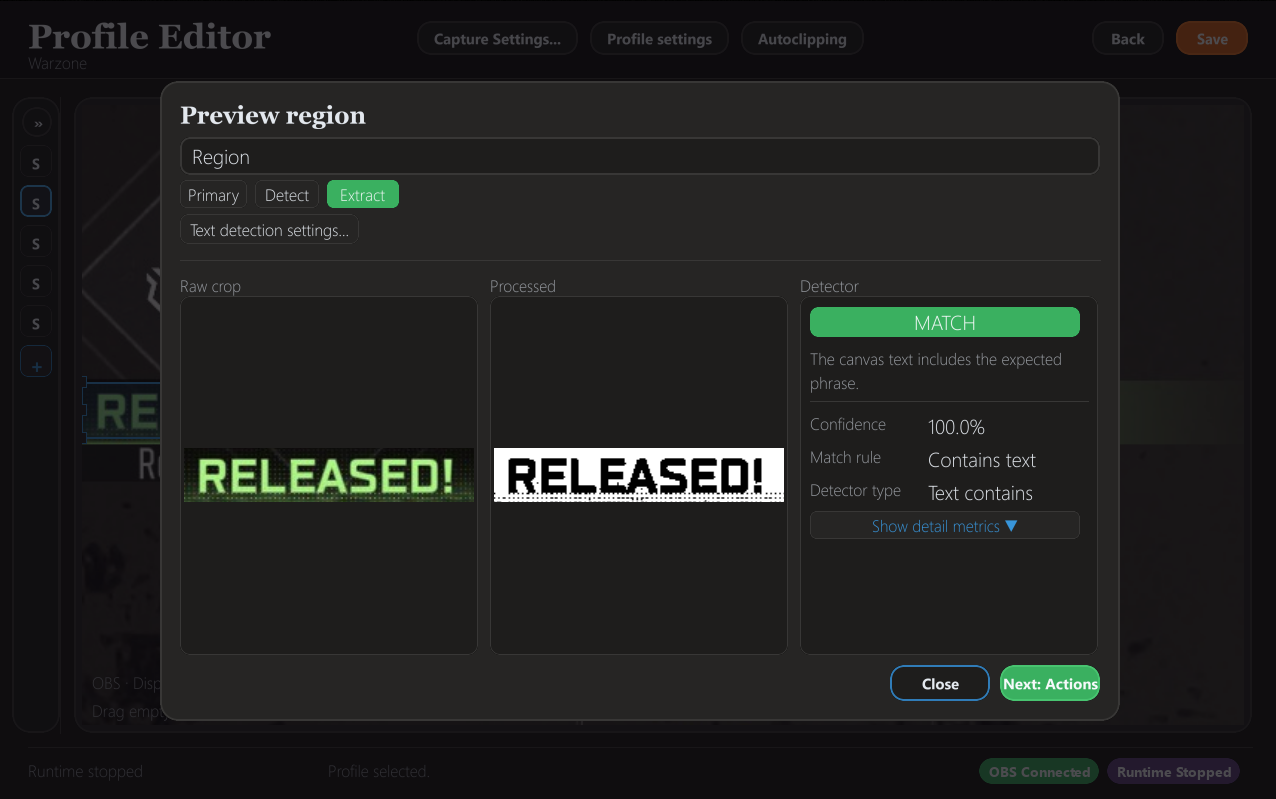
Define screen regions, preview matches, and tune detection against the preview before a trigger goes live.
Sightline · archived · open source
A Windows desktop app and runtime that watches a live frame source, detects visual or OCR-based events, and runs follow-up actions: OBS scene and source changes, sounds, program launches, chapter markers, and autoclip workflows. It is no longer in active development; the source is public.
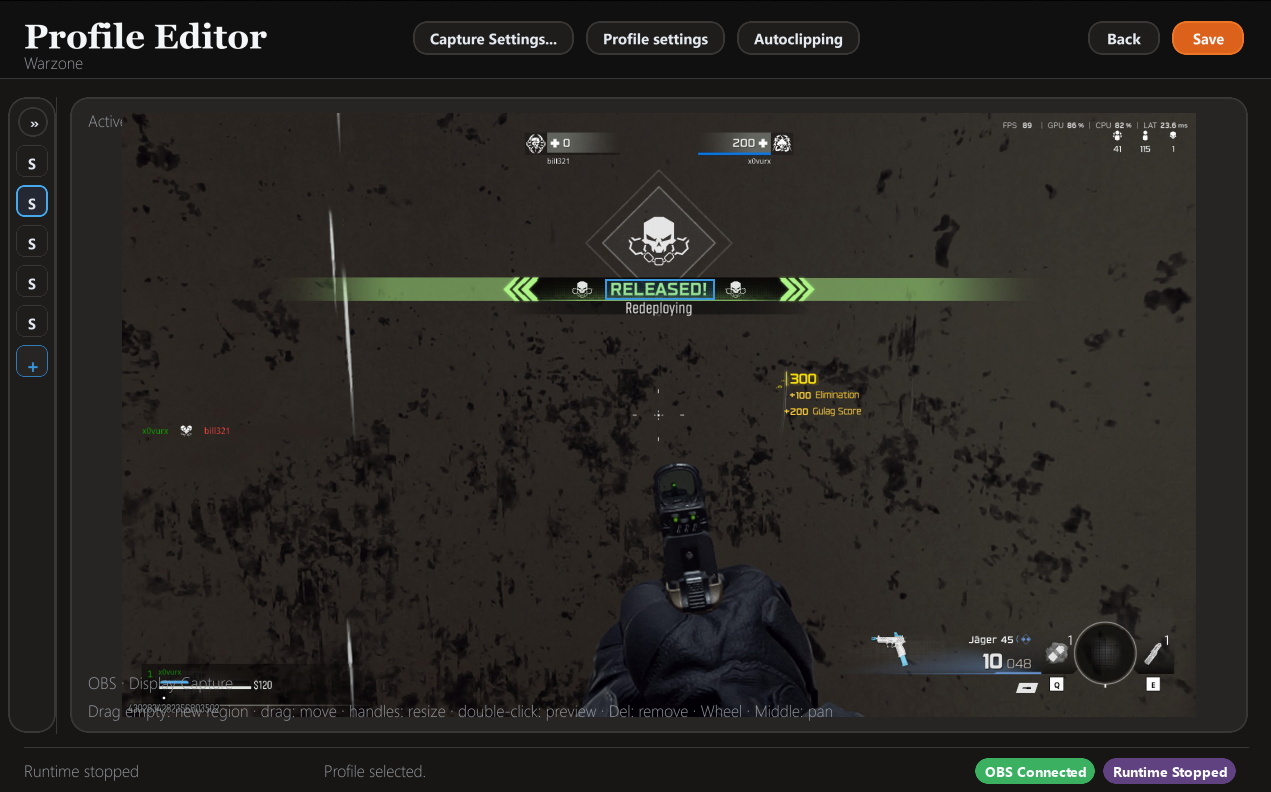
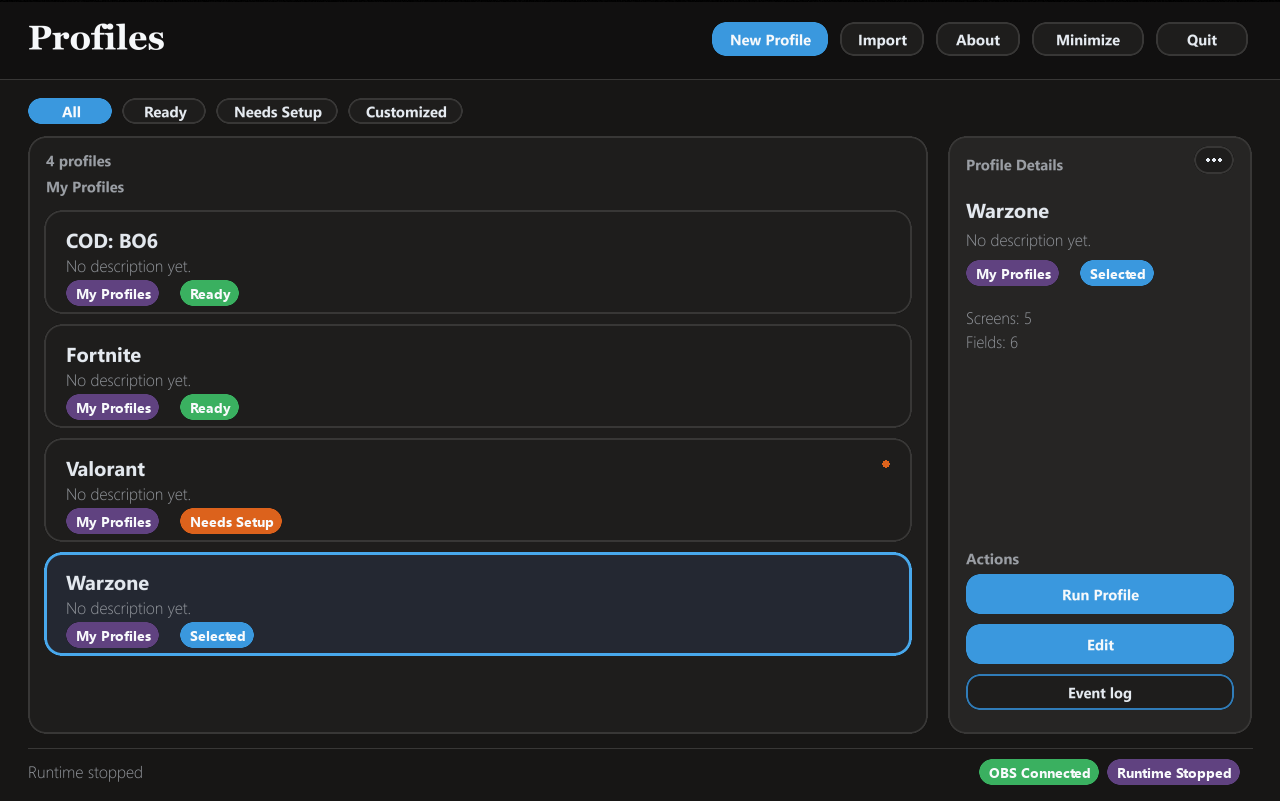
Profiles, detection previews, action chains, and live runtime status in one workflow.
Demo footage
Detection, trigger configuration, and highlight workflows running against live gameplay.
If the embed is blocked by browser privacy settings, watch it directly on YouTube.
Features
Define screen regions, preview matches, and tune detection against the preview before a trigger goes live.
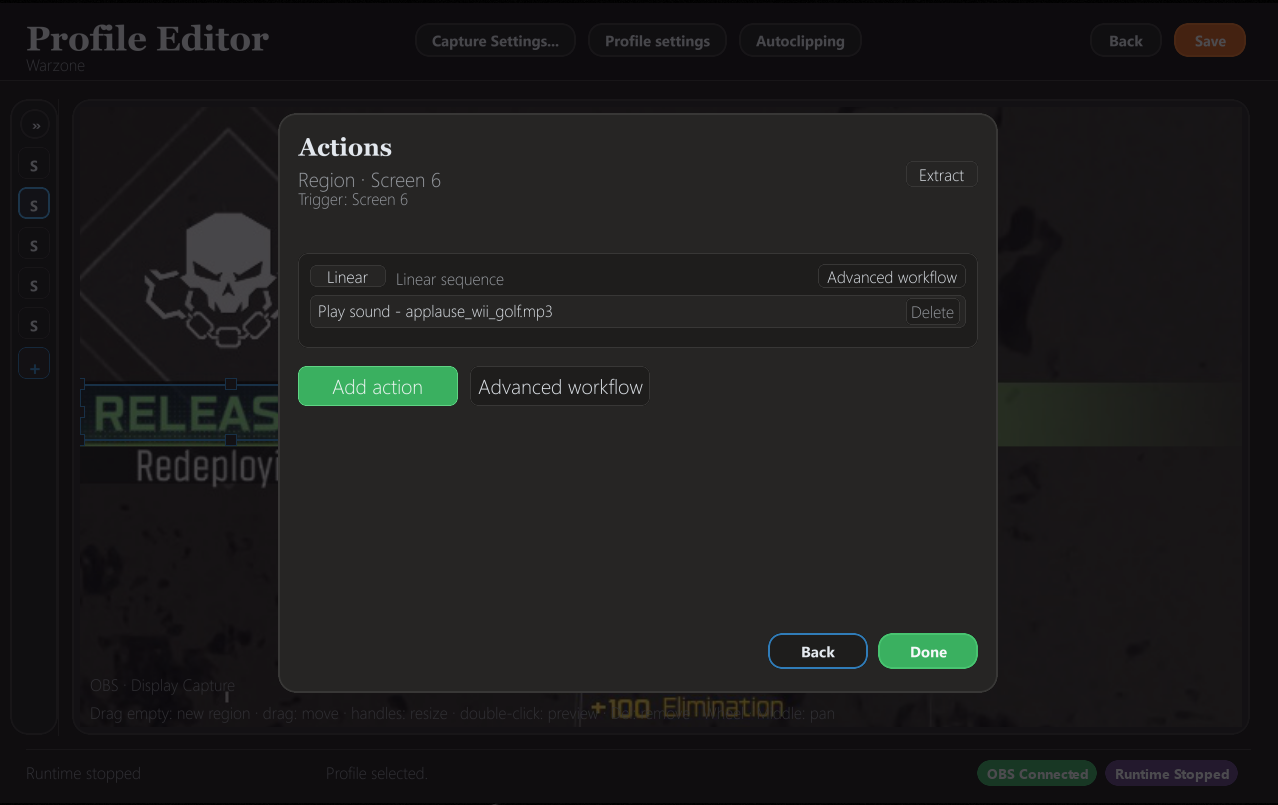
Trigger sounds, launch programs, update OBS text sources, switch scenes, or toggle scene items when an event fires.
Feed successful detections into an autoclipping pool so moments are preserved during live sessions.
Workflow
Point Sightline at the on-screen area that matters and preview the detection target.
Choose what happens next, from sounds and programs to OBS scene and source changes.
Route successful triggers into autoclipping for a shorter path from stream to clip.
Screenshots
Under the hood
The core loop: watch a live frame source, detect a visual or OCR-driven event, run follow-up actions, and optionally route the hit into clipping workflows.
perception_core is a reusable library for region geometry, image and
template detection, OCR text extraction, preprocessing, and the schema that detection
profiles are saved in.
sightline_runtime handles capture providers (including OBS), event gating
and emission policy, action workflows, OBS scene actions, chapter markers, and output
sinks.
A pygame-based desktop app for authoring profiles, previewing regions and OCR settings, and building trigger and action workflows, with a local OBS overlay service for on-stream feedback.
Compiled with Nuitka and packaged with an Inno Setup installer for Windows. The build script still supports the free and premium tiers the app was originally distributed as.
Source & status
Sightline is no longer in active development. The codebase is on GitHub at
SessionGoblin/sightline-computer-vision.
Running it from source needs Windows, a separate Tesseract OCR install, and OBS with
obs-websocket for live capture and OBS actions.